 Minimizall
macOS
Minimizall
macOS
Minimizall
macOS
Minimizall
macOS
Minimizall is a lightweight macOS menu-bar utility built for people who juggle a lot of open windows and want their desktop back — instantly, with a keystroke or a flick of the mouse.
No Dock icon, no clutter, no dialogs getting in your way.
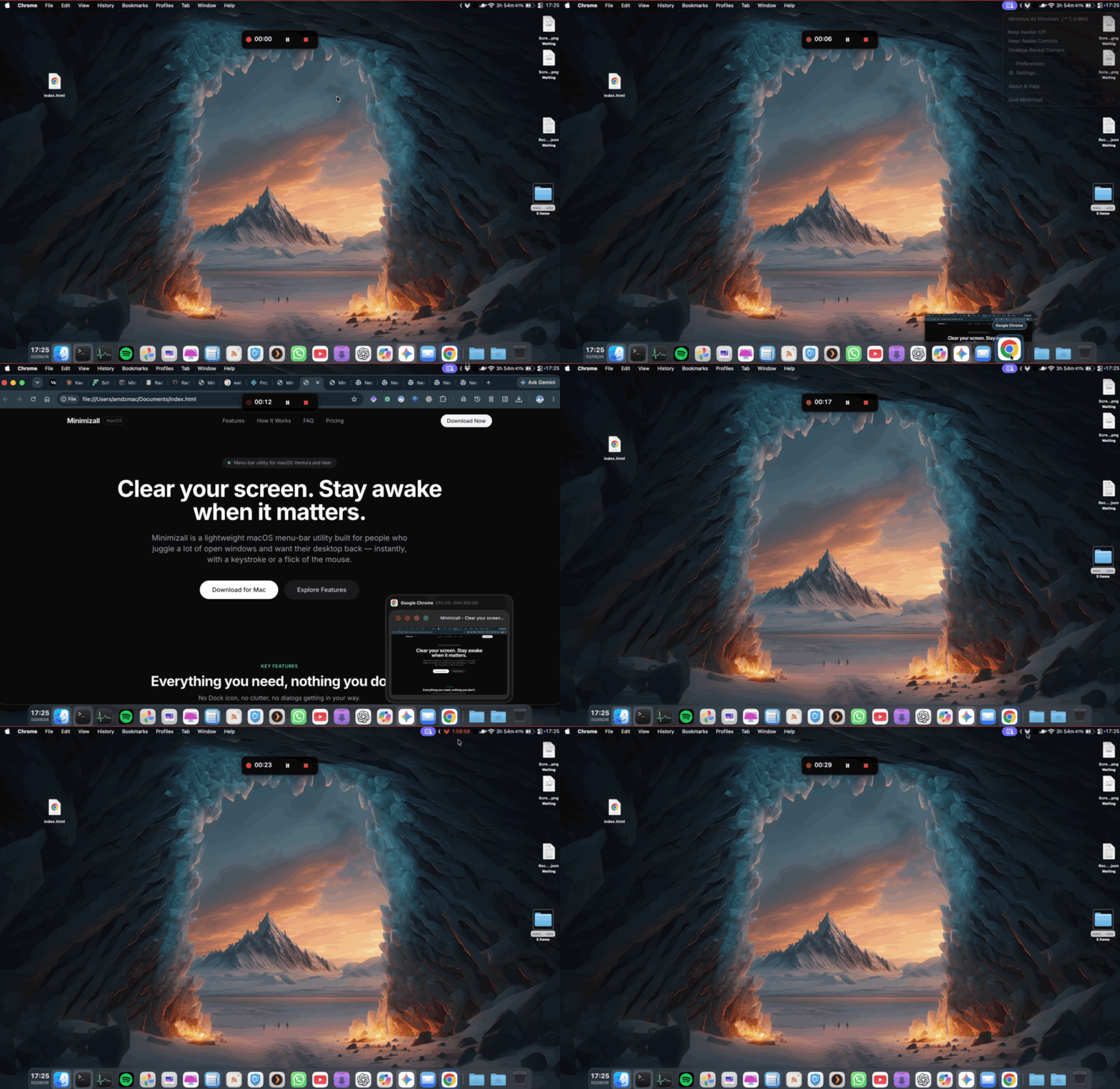
Press a single global keyboard shortcut (default ⌘⌥M, fully customizable) from anywhere on your Mac, and every window from every open app minimizes at once. One shortcut, clean slate.
Keep your Mac awake through downloads or calls. Features a live second-by-second countdown in red right next to the menu-bar icon.
Push your cursor into any corner and dwell for a moment. Works across multi-monitor setups with independent corner toggles.
Menu-bar only by default with no Dock clutter. Set it to launch at login and enjoy a native hover-driven menu that behaves exactly how you expect a Mac app to behave.
Secure, native macOS APIs with zero internet overhead.
Minimizall uses macOS's built-in Accessibility API to talk to other running applications' windows directly — the same category of permission used by professional window managers and automation tools. The first time you use "Minimize All Windows" or corner-hover reveal, macOS will ask you to grant Accessibility access once. After that, it's seamless.
Keep Awake uses a standard IOKit power assertion — the same underlying mechanism apps like Caffeine and Amphetamine use — so your Mac's display and system won't sleep while it's active, without changing your actual Energy Saver preferences.
Ready for modern macOS environments.
• macOS 13 (Ventura) or later
• Apple Silicon & Intel Mac compatible
• Accessibility permission required for window management
No. Everything runs entirely locally on your Mac.
Not by default — it's a menu-bar-only app. You can enable a Dock icon in Settings if you'd prefer that.
Minimizing windows that belong to other apps requires it — this is the same permission macOS requires of any tool that manages other apps' windows.
Yes, from Settings — click into the shortcut field and press your preferred key combination.
No — it holds a temporary system assertion while active and releases it automatically when the countdown ends or you turn it off, without touching your Energy Saver preferences.
Clean slate desktop and reliable power control from your menu bar.
Lightweight, local, and privacy-focused.